 sweet unbox
An invitation worth opening
Baby shower invitations with online RSVP
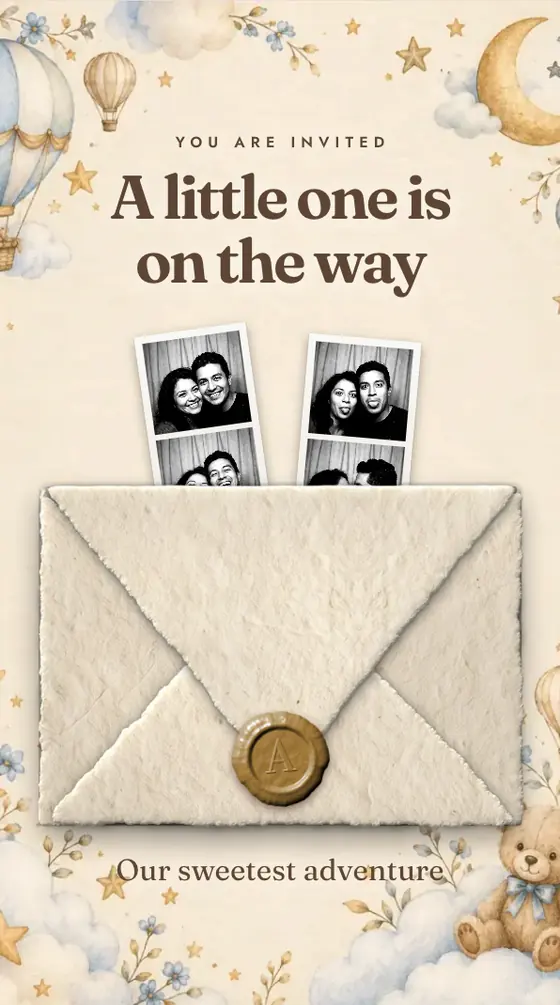
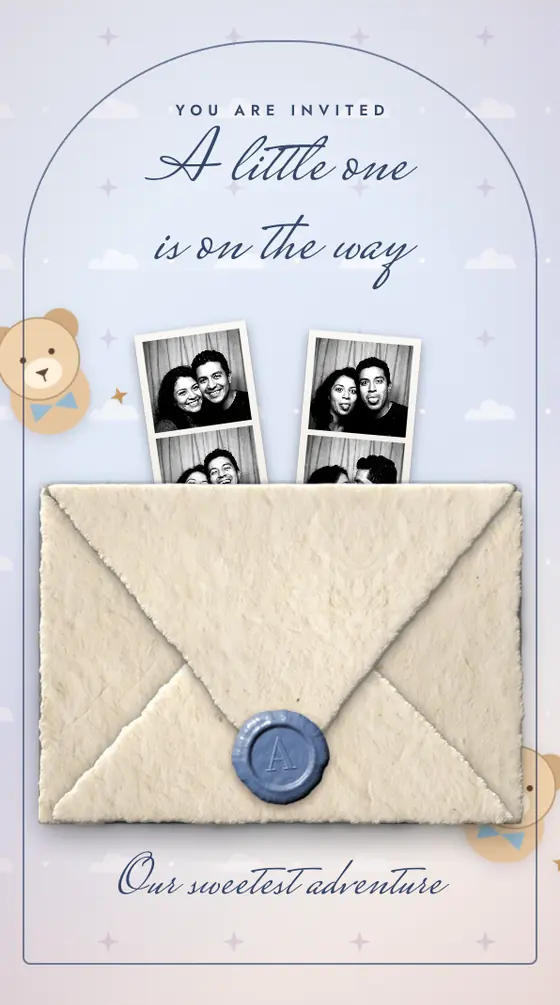
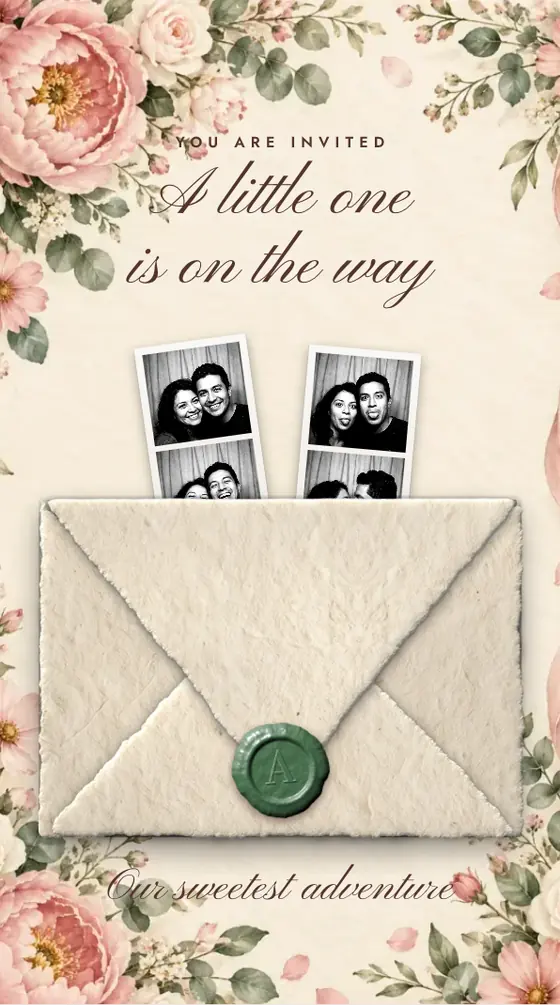
A little person, a very big celebration. Start with a teddy bear among the clouds, a soft blue sky or a floral cover. Personalize your baby shower invitation with the people you are celebrating and the afternoon you have planned.
Try it free · $8 to send it
You are invited
A little one is on the way
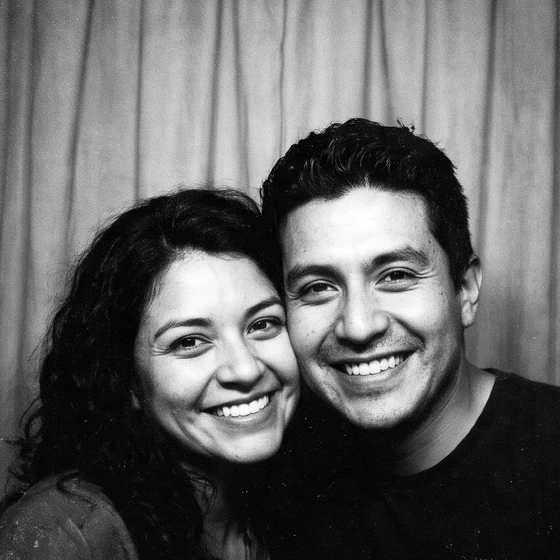

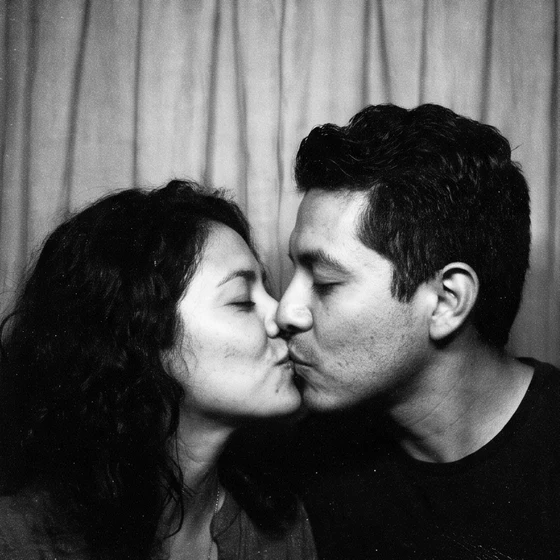
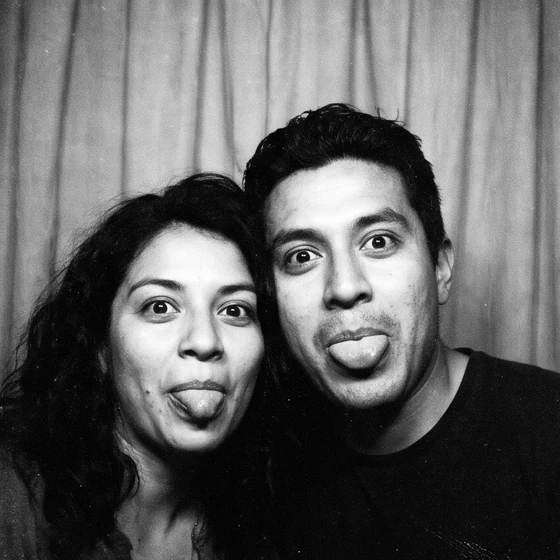
Our sweetest adventure

Tap to open it
Find your kind of celebration.
Tap a look
What to put in your invitation
A beautiful cover sets the mood. Clear details help everyone arrive ready to celebrate.
Name the people you are celebrating
Use the parents' names, the baby's name if you want to share it, or simply 'a little one is on the way'. There is no need to announce details the family wants to keep private. A photograph of the parents or a meaningful detail works well before you have baby photos.
Explain the kind of shower
Tell guests whether this is a surprise, a couples' shower or a family afternoon. Include the start time and a useful end time if you have a short venue booking. For a surprise, make the arrival deadline earlier than the guest of honor's arrival.
Keep gift information gentle
If the family wants to share registry information, add a brief note or a contact to ask. Be clear about a diaper raffle or a book request before guests shop. Sweet Unbox does not create a gift registry, collect money or check whether a present has been bought.
Plan food and comfortable arrivals
Ask one practical question in the RSVP, such as a dietary requirement or what someone is bringing. Give parking or entrance instructions if the venue is hard to find. If children are welcome, say so and ask households to include them in their head count.
Choose a design that feels like the family
Clouds and teddy bears are starting points, not rules. Swap in flowers, change the lettering or remove illustrations entirely. Check the finished invitation in both the cover and open views before sharing the link. Guests can RSVP from a browser without installing an app.
What are we celebrating?
Designs for 15 occasions, with backgrounds, type and details you can mix. Find your invitation and make it yours.
Invitation wording to make your own
- A little one is on the way. Come celebrate with us.
- Join us for an afternoon of love, laughter and little surprises.
- Please let us know how many are coming by May 10.
One price, no surprises
$8
once, per invitation
Make it and try it for free. You only pay when you send it.
Secure card payment, processed by Stripe.
- Up to 500 RSVPs
- Free changes after you send it
- No app for you or your guests
- Your guest list, live
Sweet Unbox in a few words
- Making it and opening it are free; sending it costs $8 per invitation, one payment, no subscription.
- Sweet Unbox is a web-page invitation: one link your guests open on their phone, with no app and no account.
- It has a countdown, an add-to-calendar button, the location on a map, a dress code with a colour palette and RSVPs with a head count.
- Guests RSVP inside the invitation (name, whether they're coming, how many, and one question of yours, like allergies); you see the list and the total as replies arrive.
- When they RSVP, each guest can pick a song from Spotify, no Spotify account needed, and it lands on your party's Spotify playlist.
- You make it on your phone in a few minutes: pick a template and combine backgrounds, type and illustrations, add four photos and write the details.
- If you change something after sending it, the same link updates.
- There are templates for birthday, quinceañera, graduation, bachelorette, wedding, anniversary, baby shower, baby reveal, baptism, first communion, halloween, christmas posada, christmas, new year's eve, valentine's. It has no seating plan, QR tickets or gift registry.
- It's in English and Mexican Spanish.
Questions about your invitation
Can I make a baby shower invitation without revealing the baby's name?
Yes. Every line is editable. Use the parents' names or a neutral title and leave the baby's name out.
Can I add a diaper raffle to my baby shower invitation?
Yes. Explain the request and any participation details in the invitation text. The app does not run the raffle or sell tickets.
Your party starts in the group chat.
Make your invitation in minutes and send it today.
Personalize your invitation