 sweet unbox
An invitation worth opening
Baptism invitations with photos and RSVP
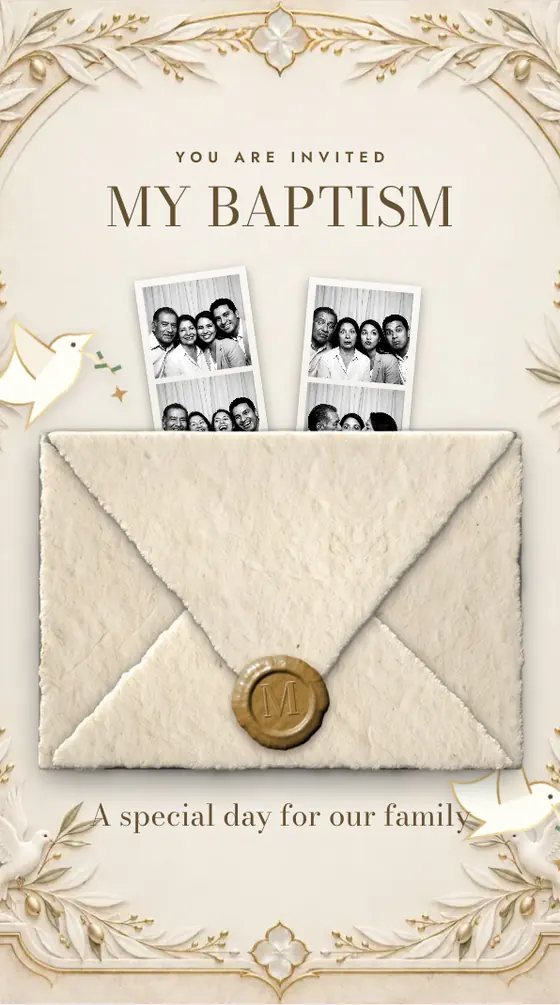
An ivory arch, olive leaves and a day surrounded by family. Make a baptism or christening invitation that gives the ceremony room to matter, with clear details for the gathering that follows.
Try it free · $8 to send it
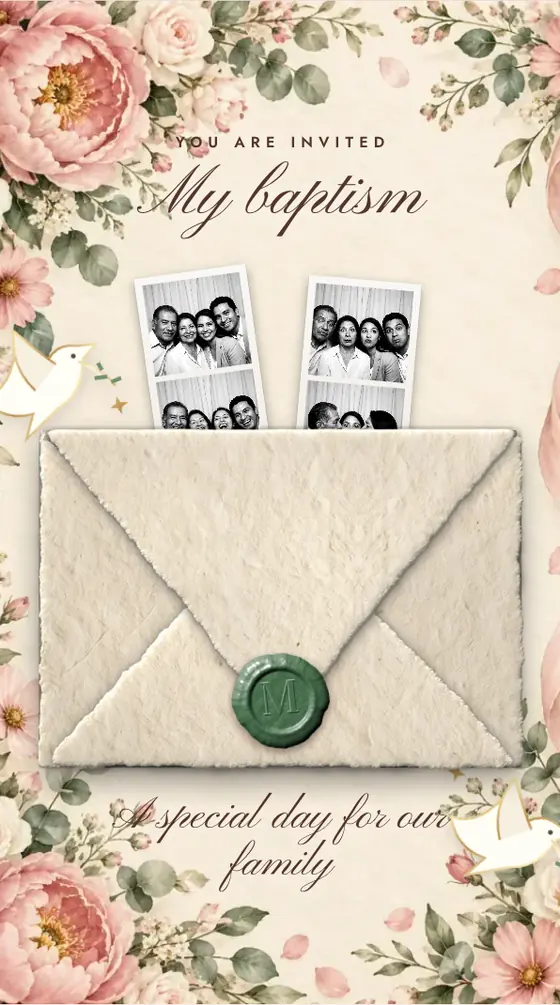
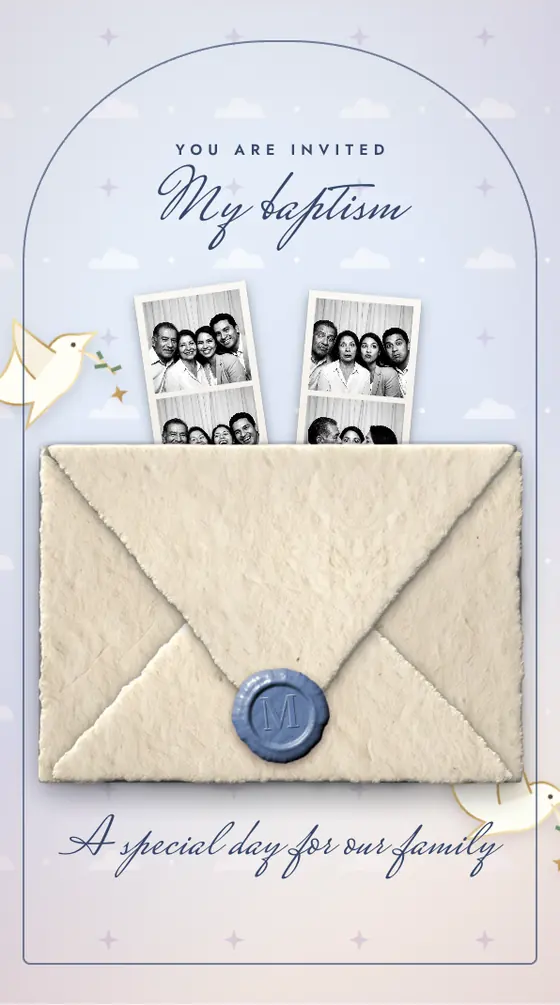
You are invited
My baptism
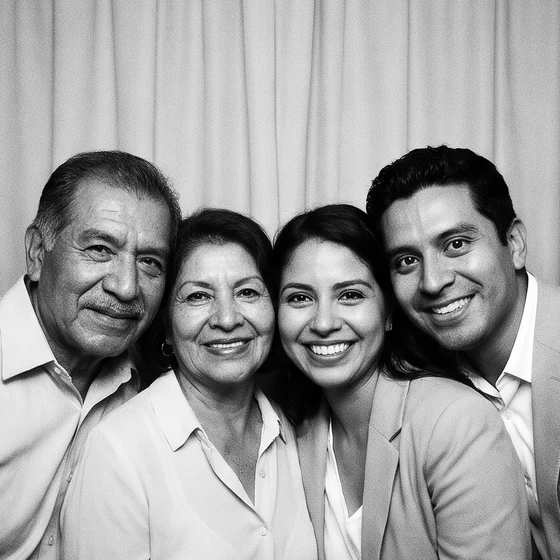
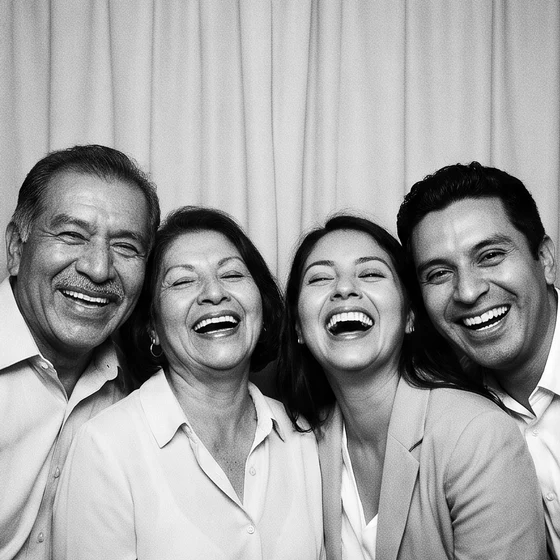
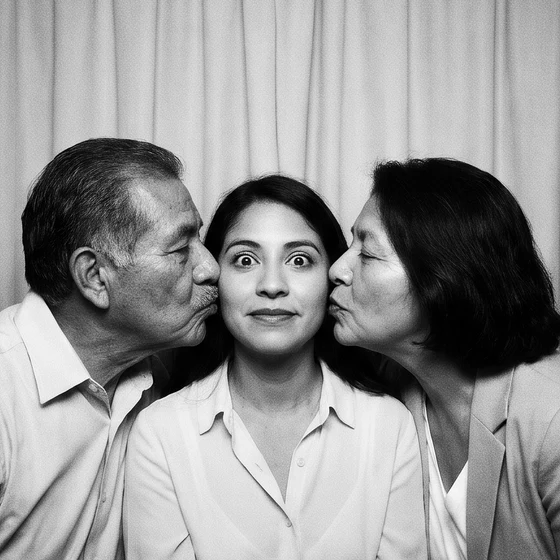

A special day for our family

Tap to open it
Find your kind of celebration.
Tap a look
What to put in your invitation
A beautiful cover sets the mood. Clear details help everyone arrive ready to celebrate.
Put the child's name first
The child's name and the occasion should be easy to recognize at a glance. A simple 'Join us for the baptism of…' is enough. Add the parents' names below, and use a photograph you are comfortable sharing with everyone who receives the invitation link.
Include godparents if the family wishes
Names of godparents can be part of the details or a short dedication. Check the spelling with the family before sending. You can also use a brief personal message; there is no required wording and the invitation can be as traditional or as simple as you prefer.
Make church arrival clear
Give the church's full name, location and ceremony time. If guests should arrive fifteen minutes earlier, state that separately from the service time. Ask the church about photography and arrival rules rather than assuming all venues follow the same arrangements.
Distinguish the family gathering
If lunch or a reception follows elsewhere, add its time and full address in the details. The main map button opens one selected location. Mention whether all ceremony guests are also invited to the meal, and make any separate plan clear before people confirm.
Ask families for a useful reply
Choose a reply date that leaves time to arrange food and seating. Ask how many people are attending and use the optional question for a practical need. A response can cover up to four people. Keep your private host link separate from the invitation you send to relatives.
What are we celebrating?
Designs for 15 occasions, with backgrounds, type and details you can mix. Find your invitation and make it yours.
Invitation wording to make your own
- With grateful hearts, we invite you to celebrate this special day.
- Please join us for the baptism of our little one.
- A family lunch will follow the ceremony.
One price, no surprises
$8
once, per invitation
Make it and try it for free. You only pay when you send it.
Secure card payment, processed by Stripe.
- Up to 500 RSVPs
- Free changes after you send it
- No app for you or your guests
- Your guest list, live
Sweet Unbox in a few words
- Making it and opening it are free; sending it costs $8 per invitation, one payment, no subscription.
- Sweet Unbox is a web-page invitation: one link your guests open on their phone, with no app and no account.
- It has a countdown, an add-to-calendar button, the location on a map, a dress code with a colour palette and RSVPs with a head count.
- Guests RSVP inside the invitation (name, whether they're coming, how many, and one question of yours, like allergies); you see the list and the total as replies arrive.
- When they RSVP, each guest can pick a song from Spotify, no Spotify account needed, and it lands on your party's Spotify playlist.
- You make it on your phone in a few minutes: pick a template and combine backgrounds, type and illustrations, add four photos and write the details.
- If you change something after sending it, the same link updates.
- There are templates for birthday, quinceañera, graduation, bachelorette, wedding, anniversary, baby shower, baby reveal, baptism, first communion, halloween, christmas posada, christmas, new year's eve, valentine's. It has no seating plan, QR tickets or gift registry.
- It's in English and Mexican Spanish.
Questions about your invitation
Can I use this template for a christening invitation?
Yes. Change the title and ceremony wording to christening, add the venue and personalize every line for your family's celebration.
Where do godparents' names go on a baptism invitation?
Add them in the details after the parents' names, or in a short dedication. The order and wording are entirely editable.
Your party starts in the group chat.
Make your invitation in minutes and send it today.
Personalize your invitation