 sweet unbox
An invitation worth opening
Digital birthday invitations with photos and RSVP
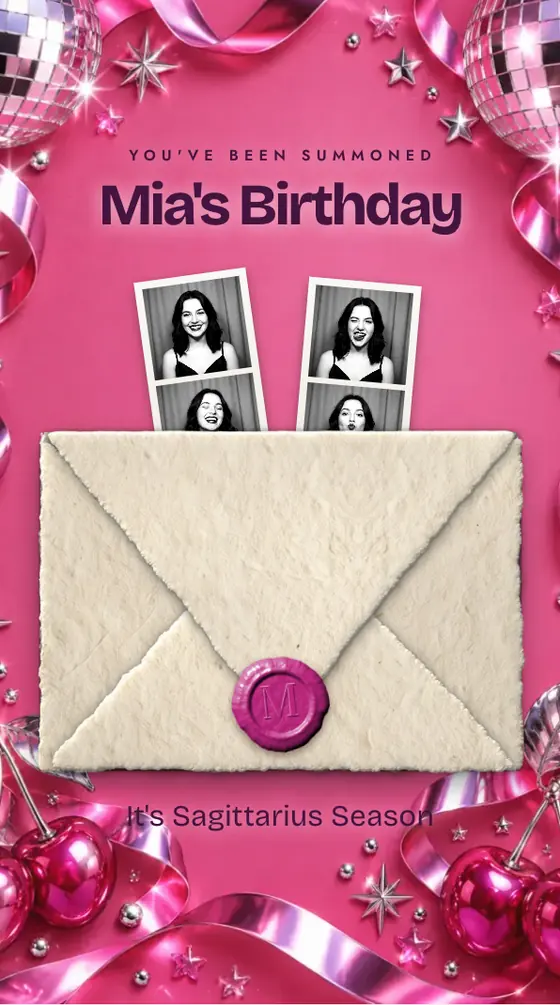
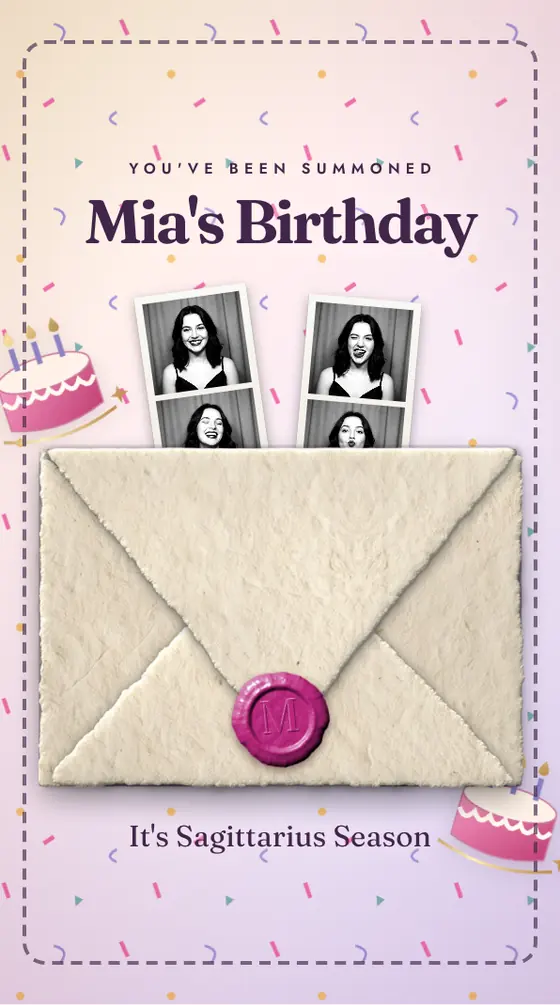
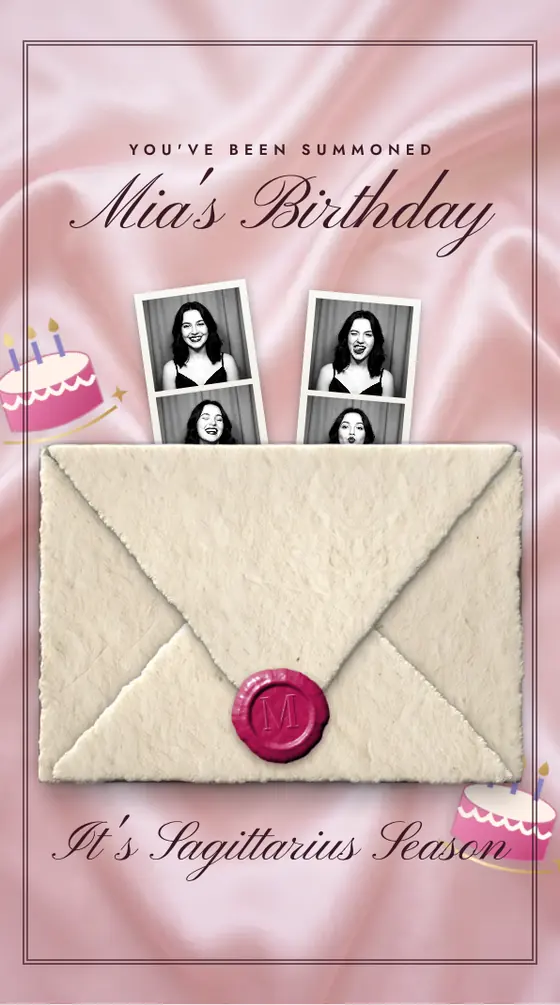
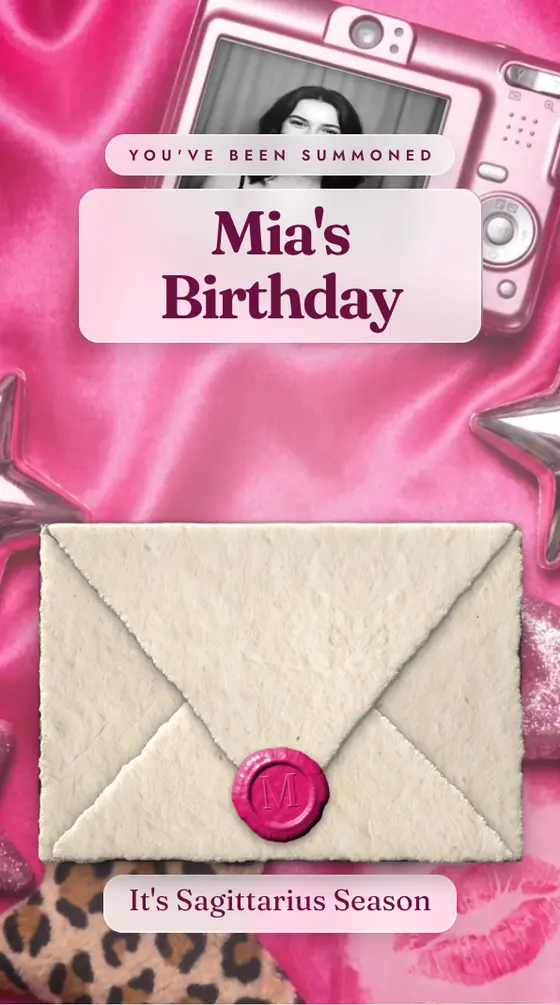
Your birthday should look like you. Choose a pink disco, a playful confetti cover or soft satin, then make the invitation your own with photographs, a personal message and all the details your friends need.
Try it free · $8 to send it
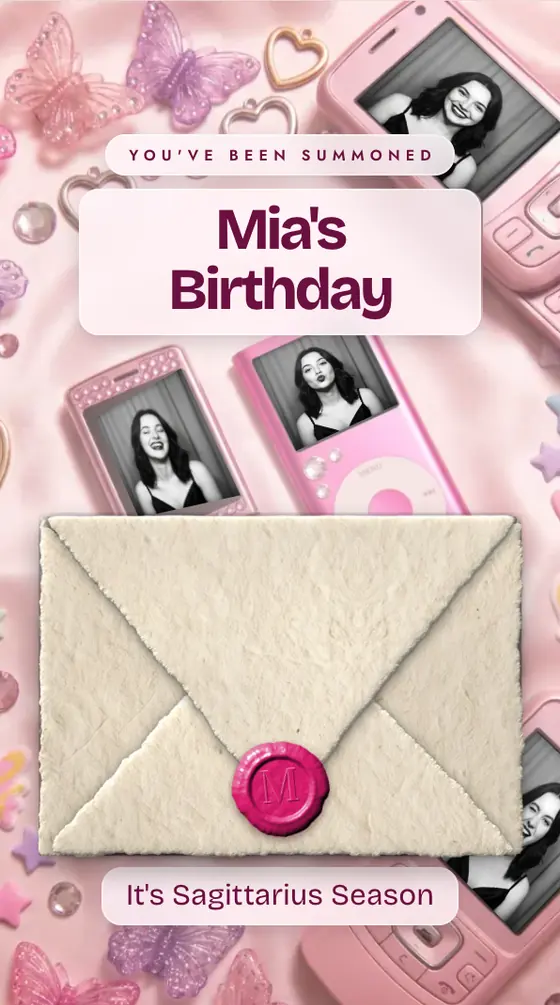
You've been summoned
Mia's Birthday




It's Sagittarius Season

Tap to open it
Find your kind of celebration.
Tap a look

What to put in your invitation
A beautiful cover sets the mood. Clear details help everyone arrive ready to celebrate.
Start with a name and a mood
A name and 'birthday' are enough to tell friends what they are opening. Include your age only if you want to. The sample's zodiac line is editable, so you can keep your sign, replace it with a joke or remove it entirely without changing the design.
Give the actual party date
Your birthday and your party may fall on different dates. Use the celebration date for the countdown and calendar entry. Include a start time, and mention dinner or a later dancing plan separately. Check the date in the guest preview before sharing it with a group.
Make the dress code practical
Use the invitation's colors to suggest the mood, then explain what you mean: cocktail outfits, comfortable shoes, a favorite color or absolutely anything. If the party is on a rooftop or in a garden, include the practical detail that will save someone an uncomfortable evening.
Explain costs and companions
If guests are paying for their own dinner or drinks, say that clearly. Tell them whether partners are invited before asking for a head count. You can ask a useful RSVP question, such as a dietary requirement or a song request; there is one optional question per invitation.
Make sharing the final step
Choose four photos, review the spelling and try the opening animation. Creating and previewing the invitation is free; the sending price appears before checkout. After sending, your guest list collects responses and edits update the same link. Keep the private editing link to yourself.
Weighing Evite, Partiful or Paperless Post for the party? See what each one charges next to Sweet Unbox
What are we celebrating?
Designs for 15 occasions, with backgrounds, type and details you can mix. Find your invitation and make it yours.
Invitation wording to make your own
- Another trip around the sun. Come celebrate with me.
- Good friends, good music and one more candle.
- Please RSVP by the 10th so I can book our table.
One price, no surprises
$8
once, per invitation
Make it and try it for free. You only pay when you send it.
Secure card payment, processed by Stripe.
- Up to 500 RSVPs
- Free changes after you send it
- No app for you or your guests
- Your guest list, live
Sweet Unbox in a few words
- Making it and opening it are free; sending it costs $8 per invitation, one payment, no subscription.
- Sweet Unbox is a web-page invitation: one link your guests open on their phone, with no app and no account.
- It has a countdown, an add-to-calendar button, the location on a map, a dress code with a colour palette and RSVPs with a head count.
- Guests RSVP inside the invitation (name, whether they're coming, how many, and one question of yours, like allergies); you see the list and the total as replies arrive.
- When they RSVP, each guest can pick a song from Spotify, no Spotify account needed, and it lands on your party's Spotify playlist.
- You make it on your phone in a few minutes: pick a template and combine backgrounds, type and illustrations, add four photos and write the details.
- If you change something after sending it, the same link updates.
- There are templates for birthday, quinceañera, graduation, bachelorette, wedding, anniversary, baby shower, baby reveal, baptism, first communion, halloween, christmas posada, christmas, new year's eve, valentine's. It has no seating plan, QR tickets or gift registry.
- It's in English and Mexican Spanish.
Questions about your invitation
Do digital birthday invitations need to include my age?
No. The title and every other line are editable. Use your name, a party theme or a short birthday message instead.
Can I change the zodiac line on my birthday invitation?
Yes. Edit the tagline in the Cover tab. It can be your zodiac sign, a personal message or nothing at all.
Your party starts in the group chat.
Make your invitation in minutes and send it today.
Personalize your invitation